The fastest way to make a remote meeting feel human is a fifteen-minute trivia round with one host, one shared screen and teams instead of individuals. Below are ten formats that work over Zoom, Google Meet and Microsoft Teams, plus the setup, timing and scoring details that decide whether the session lands or dies in an awkward silence.
Why Remote Team Trivia Works
Trivia is low-friction. Everyone already knows the rules, the time commitment is small, and the questions bend to any theme — onboarding, product knowledge, company history or pure fun. For distributed teams it does something a status meeting cannot: it gives people a reason to speak who otherwise stay muted.
It also gives you cover to reinforce real information. A round on your own product or customer wins is training that nobody experiences as training.
How to Set Up a Remote Trivia Session
- Pick one host who is not playing. Scoring stays uncontroversial and pacing stays tight.
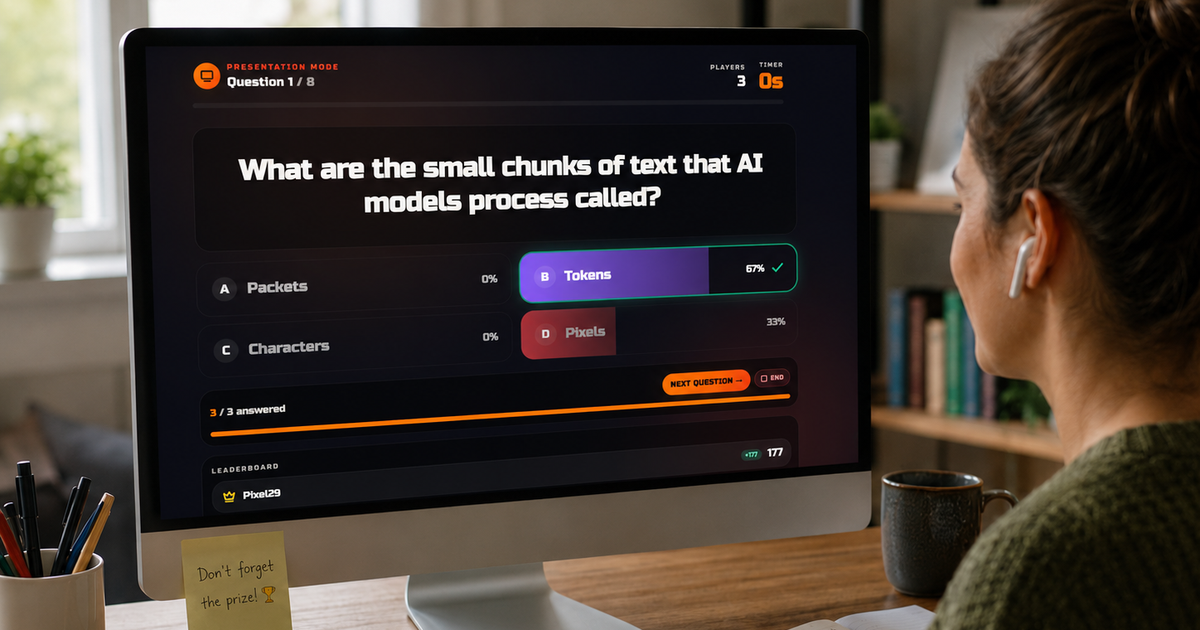
- Use one shared screen. A board on screen share means no installs, no join codes and no five minutes of "can everyone see this?"
- Keep rounds to five to seven questions. Momentum matters more than coverage.
- Mix formats. Multiple choice, image rounds, audio clips and lightning rounds all in one session.
- Decide scoring and prizes up front. Bragging rights are fine; ambiguity is not.
- Stay globally inclusive. Skip questions that only one country's team can answer.
Rotate hosts between sessions. It spreads the prep load and each host brings a different sense of humour.
10 Remote Trivia Games to Run This Week
- Classic Jeopardy-style board. Five categories, five clues each, teams pick tiles. Runs 25–30 minutes and is the most reliable format for a mixed group. Build one in the Jeopardy board maker.
- Lightning 60. Ten questions, one point each, sixty seconds per answer. High energy, great for large groups and short slots.
- Photo hunt. Cropped or zoomed-in images that teams identify. Visual rounds level the field for non-native speakers.
- Two truths and a teammate. Each person submits two true facts and one invention; the room guesses. Reliably the loudest round of any session.
- Culture capsule. Company values, product milestones, customer wins. Excellent for onboarding cohorts.
- Soundcheck. Short audio clips — song intros, film lines, notification sounds — for teams to identify.
- Map it. Teams pinpoint locations or guess where a photo was taken. Fits geographically spread teams perfectly.
- Crossword sprint. A shared digital crossword, first team finished wins. Forces collaboration rather than fastest-buzzer.
- Emoji decode. Films, books or internal project names rendered as emoji strings.
- Custom corporate round. Internal data: product features, client facts, team nicknames. See custom corporate trivia games for building a polished pack.
Adapting Trivia to Your Team Size
- 4–8 people: play as one or two teams and favour collaborative formats like crosswords and two truths.
- 9–25 people: three or four teams, breakout rooms for conferring, reconvene for the leaderboard.
- 25+ people: breakout rooms plus one central scorekeeper, and let a different team present a creative round each session.
For hybrid meetings, watch the room microphone. People in the office dominate audio without meaning to, so give remote participants first answer on alternating rounds or take answers in chat.
Keeping the Momentum Going
Success is not the final score. It is people volunteering stories, cross-team chatter after the call, and someone asking when the next one is. Keep a running list of the rounds that landed and reuse them with new questions.
Schedule regularly but unpredictably — a monthly game hour, plus the occasional surprise five-minute round at the end of a long meeting.
Production Tips That Prevent Dead Air
- Preload all media before the call; nothing kills energy like buffering.
- Test audio share once before the session — most platforms need "share sound" enabled explicitly.
- Keep the scoreboard visible so teams know what they are chasing.
- Have one spare round ready in case you finish early.
Where to Start
Pick one format above, block twenty minutes and run it this week. If you want the setup done for you, browse ready-to-play boards, generate one from a topic with the AI board generator, or read the walkthrough for running a team bonding session with Kleveroo. More workplace formats live on the Teams hub and the trivia games for work teams page.