Quick Answer: What Are the Best Gamification Platforms?
The best gamification platform depends on how people will play. Kleveroo is the strongest choice for host-led Jeopardy-style boards and live trivia on one shared screen, with built-in team scoring and AI board generation. Kahoot is the best-known option for fast, device-based quiz competitions. Wayground (formerly Quizizz) and Gimkit are better for self-paced student practice, Blooket wins on game-mode variety, and Mentimeter, AhaSlides, ClassPoint and Nearpod are stronger when the goal is an interactive presentation or lesson rather than a standalone game. Quizlet remains the best study-set library.
What is a gamification platform?
A gamification platform is a tool that uses game mechanics to make learning, training, meetings, or team activities more engaging.
Instead of asking people to sit through another lecture, slide deck, or static worksheet, gamification platforms add elements like points, timers, leaderboards, team competition, quizzes, badges, rewards, challenges, and interactive questions.
That matters because attention is harder to earn than ever.
- Teachers are trying to keep students engaged.
- Managers are trying to make training stick.
- Team leaders are trying to make virtual meetings feel less awkward.
- Trainers are trying to turn information into participation.
The right gamification platform can help with all of that.
But not every tool is built for the same use case. Some are better for classrooms. Some are better for employee training. Some are better for live trivia. Some are better for presentations, polls, or study practice.
Below are 10 of the best gamification platforms to consider in 2026.
Gamification Platforms Compared
| Platform | Best for | Free option | Live play | AI | Team play |
|---|---|---|---|---|---|
| Kleveroo | Jeopardy-style boards + live trivia | Yes | Yes | Yes | Yes |
| Kahoot | Fast quiz competitions | Yes | Yes | Paid tiers | Yes |
| Wayground (Quizizz) | Self-paced quizzes + homework | Yes | Yes | Paid tiers | Limited |
| Blooket | Game-mode variety for students | Yes | Yes | No | Some modes |
| Gimkit | Self-paced practice with in-game economy | Limited | Yes | No | Some modes |
| AhaSlides | Interactive presentations and polls | Yes | Yes | Paid tiers | Yes |
| Mentimeter | Audience polling in meetings | Yes | Yes | Paid tiers | Limited |
| ClassPoint | Adding interactivity to PowerPoint | Yes | Yes | Paid tiers | Limited |
| Nearpod | Full interactive lessons | Yes | Yes | Paid tiers | Limited |
| Quizlet | Study sets and flashcard practice | Yes | Limited | Paid tiers | Limited |
Feature availability changes often, and most of these platforms move features between free and paid tiers. Check the current pricing page before committing a school or team budget.
Best Gamification Platforms by Use Case
- Best overall for shared-screen group play — Kleveroo. One host, one screen, built-in team scoring, no player accounts.
- Best for fast device-based quiz competitions — Kahoot.
- Best for self-paced student practice — Wayground (formerly Quizizz).
- Best for game-mode variety — Blooket.
- Best for practice that keeps students playing — Gimkit.
- Best for interactive presentations — AhaSlides or Mentimeter.
- Best inside PowerPoint — ClassPoint.
- Best for full lessons rather than single games — Nearpod.
- Best for flashcards and study sets — Quizlet.
- Best for workplace training and team building — Kleveroo for team-based shared-screen sessions, Kahoot for individual competition.
If you want to try the shared-screen format yourself, you can build a Jeopardy-style board for free, generate one with AI, or browse ready-to-play boards.
1. Kleveroo
Best for: Jeopardy-style games, live trivia, classroom review, team training, and group learning
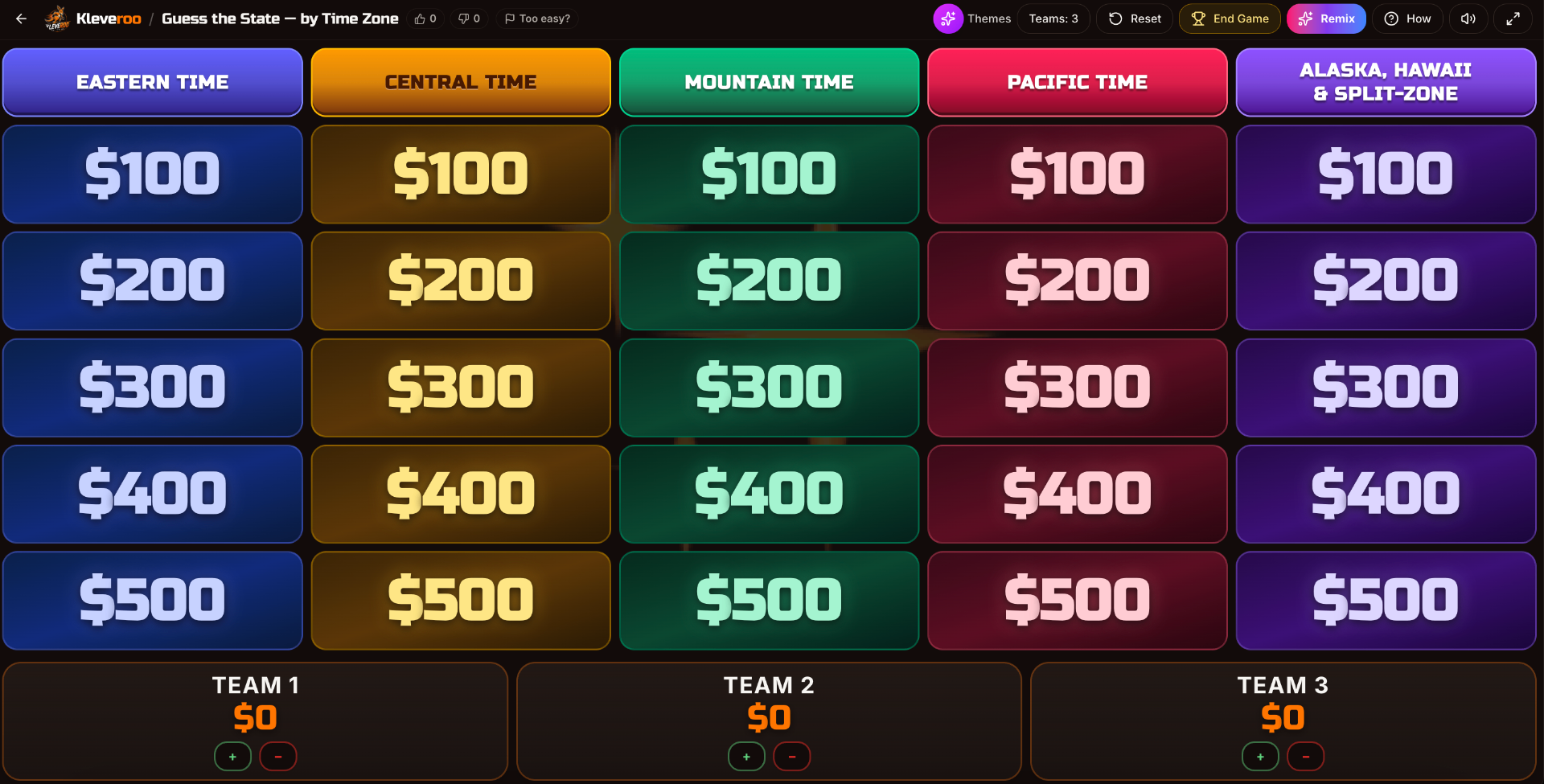
Kleveroo is a gamification platform built around interactive games people can play together. It is especially useful for teachers, trainers, managers, and team leaders who want to turn information into a game instead of another boring review session.
Kleveroo includes Jeopardy-style boards, live trivia games, team-based games, classroom review games, workplace learning games, and ready-to-play trivia content.
For classrooms, teachers can use Kleveroo to review lessons, prepare for tests, introduce new topics, or make end-of-week review more exciting.
For teams, managers can use Kleveroo for onboarding, product training, sales training, team-building games, all-hands meetings, and icebreakers.
What makes Kleveroo useful is that it is not only a quiz tool. It gives hosts different game formats depending on the moment. If you want a classroom review board, you can use a Jeopardy-style game. If you want a fast live trivia session, you can host trivia. If you want a team activity, you can use games designed for groups.
Key features
- Jeopardy-style review boards
- Live trivia games
- Classroom games for teachers
- Team-building trivia
- Training and onboarding games
- Ready-to-play game libraries
- Host-led group play
- Team competition
- Useful for classrooms, workplaces, and remote teams
Why people use it
Kleveroo is a strong choice when you want a game that feels easy to launch but still fun to play. It works well when the goal is not just checking knowledge, but getting people involved.
- A teacher could use it before a test.
- A sales manager could use it during onboarding.
- A team leader could use it to make a remote meeting more interactive.
- A trainer could use it to review important information without making the session feel like a lecture.
Potential downside
Kleveroo is best for game-based review, trivia, and group engagement. If you need a full learning management system, gradebook, or enterprise compliance training platform, you may need to pair it with another tool.
2. Kahoot
Best for: fast-paced quiz competitions
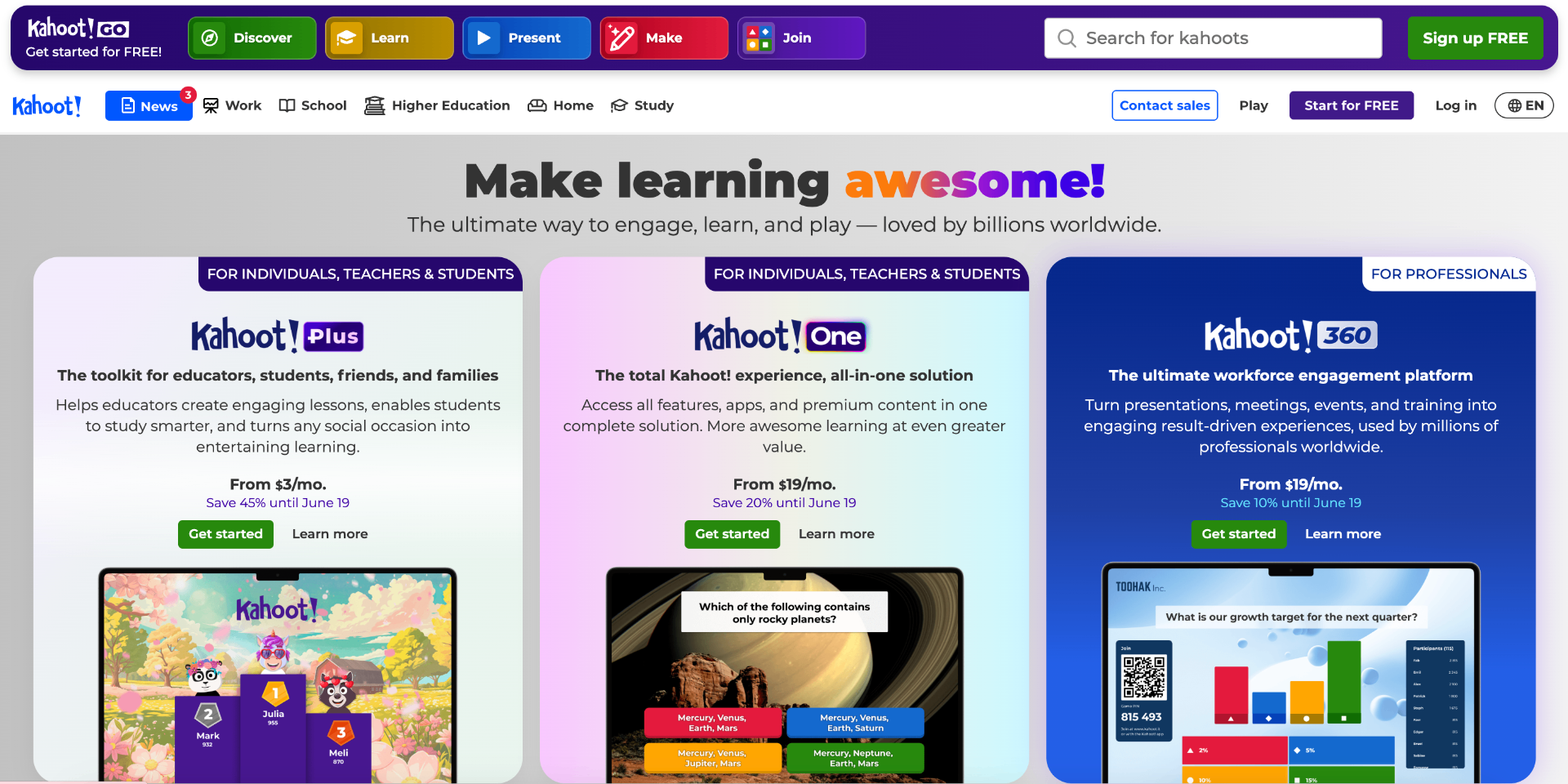
Kahoot is one of the most well-known gamification platforms in the world. It is popular in classrooms, offices, events, and training sessions because it makes quizzes feel fast, competitive, and easy to understand.
The basic experience is simple. A host presents questions, players join from their devices, and everyone competes to answer correctly. Points, timers, music, and leaderboards help create energy.
Kahoot works well when you want a quick live quiz that gets people paying attention.
Key features
- Live quiz games
- Player join codes
- Timers and leaderboards
- Polls and interactive questions
- Classroom and workplace use cases
- Large library of existing quizzes
- Easy participation from phones, tablets, or computers
Why people use it
Kahoot is great for quick engagement. Teachers use it for classroom review. Trainers use it to check understanding. Event hosts use it to energize a room.
It is especially useful when the audience already knows how Kahoot works and you want to start quickly.
Potential downside
Kahoot is very recognizable, but that can also make it feel familiar. If your group has played a lot of Kahoot already, you may want a different format like Jeopardy-style boards, team games, or more customized trivia.
3. Quizizz / Wayground
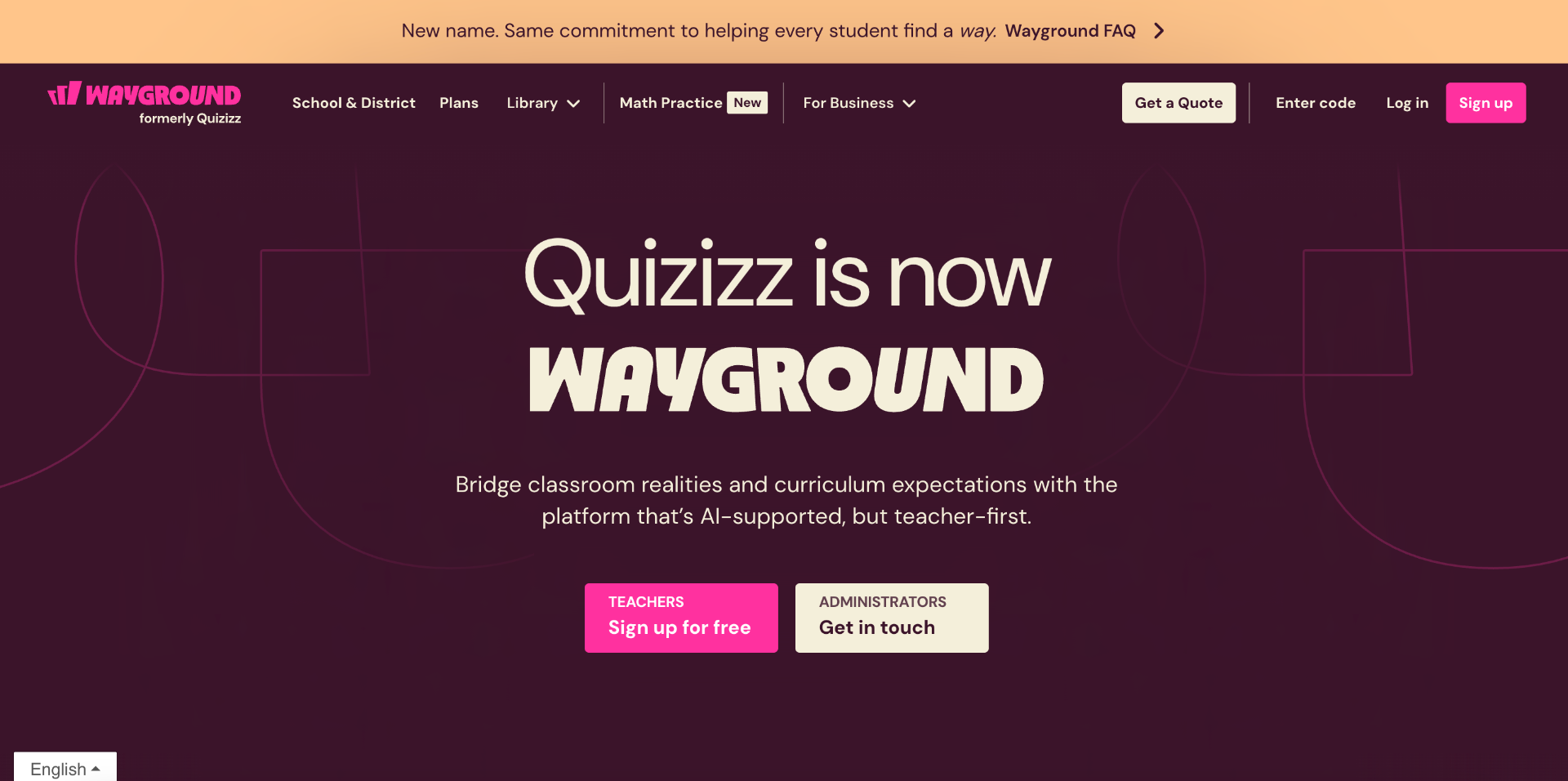
Best for: self-paced quizzes, classroom practice, and AI-assisted learning resources
Wayground (formerly Quizizz) is a popular learning platform for teachers who want to create quizzes, lessons, worksheets, flashcards, and review activities.
It is especially useful in schools because it supports both live and student-paced learning. That means a teacher can run an activity with the whole class or assign it for students to complete on their own.
Wayground is a strong option when the goal is practice, review, and assessment.
Key features
- Quizzes
- Lessons
- Worksheets
- Flashcards
- AI-assisted resource creation
- Student-paced assignments
- Classroom reporting
- Practice and review activities
Why people use it
Wayground is helpful when teachers want students to review material independently. It is also useful for homework, formative assessment, and practice before a test.
The student-paced format makes it different from tools that are mainly built for live competition.
Potential downside
Wayground is strong for classroom learning and assignments, but it may not always feel like a live event or team-building experience. If the goal is a hosted group game, another tool may be a better fit.
4. Blooket
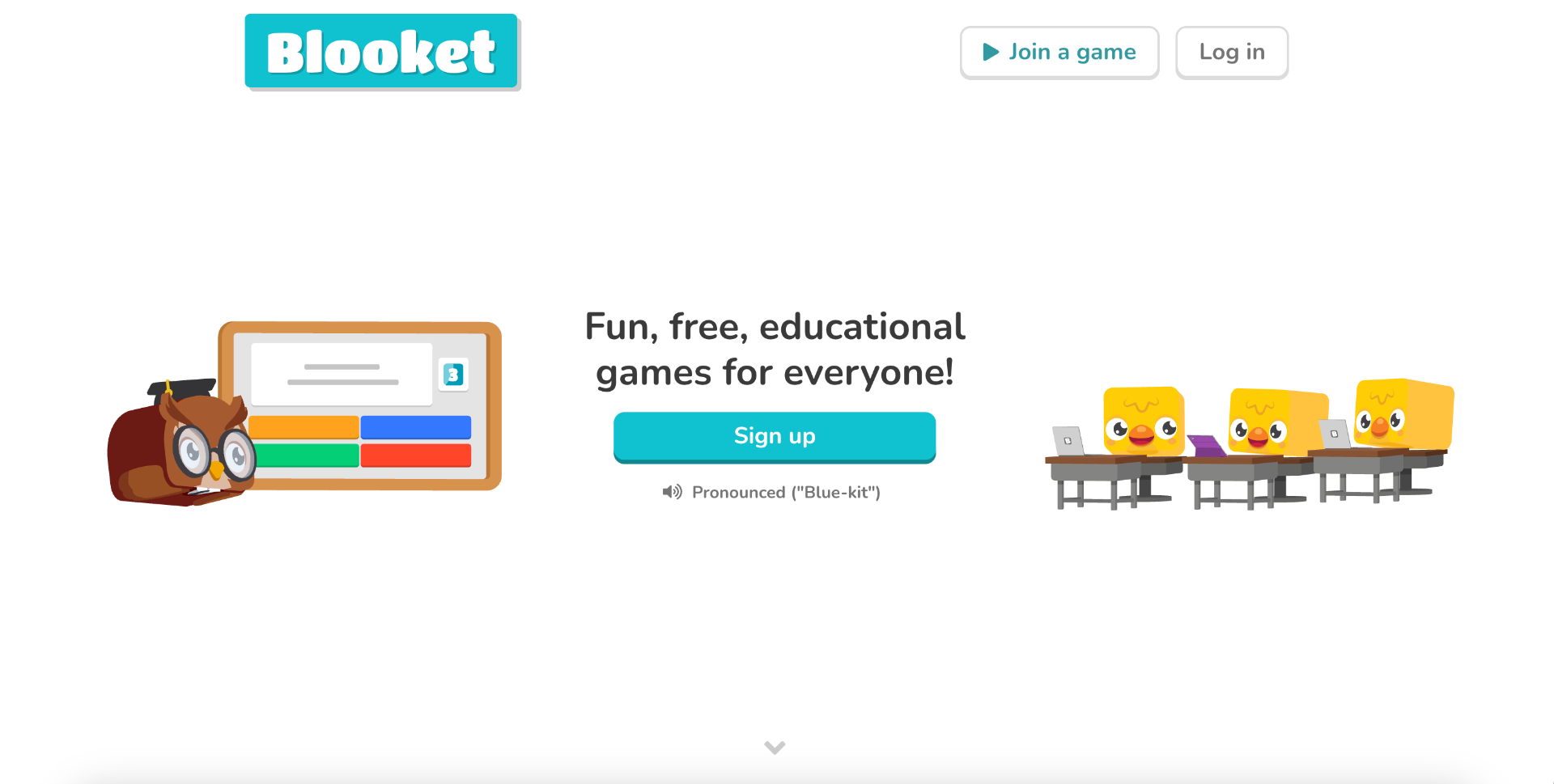
Best for: younger students and playful classroom review games
Blooket is a classroom game platform that turns question sets into different game modes. It is especially popular with younger students because the experience feels more like a game than a traditional quiz.
Teachers can host games, students join from their devices, and the questions are wrapped inside playful game mechanics.
Blooket is a good fit when you want students to practice content while feeling like they are playing.
Key features
- Classroom review games
- Multiple game modes
- Question sets
- Student participation from devices
- Playful visuals
- Competitive review
- Good fit for elementary and middle school classrooms
Why people use it
Blooket works well when students need repetition but teachers want that repetition to feel fun. Instead of simply answering questions on a worksheet, students answer questions inside a game environment.
This can make it useful for vocabulary, math facts, history review, science concepts, and general classroom practice.
Potential downside
Blooket is very classroom-focused. It may not be the best fit for corporate training, professional team-building, or adult learning environments unless the group specifically wants a playful, school-style game.
5. Gimkit
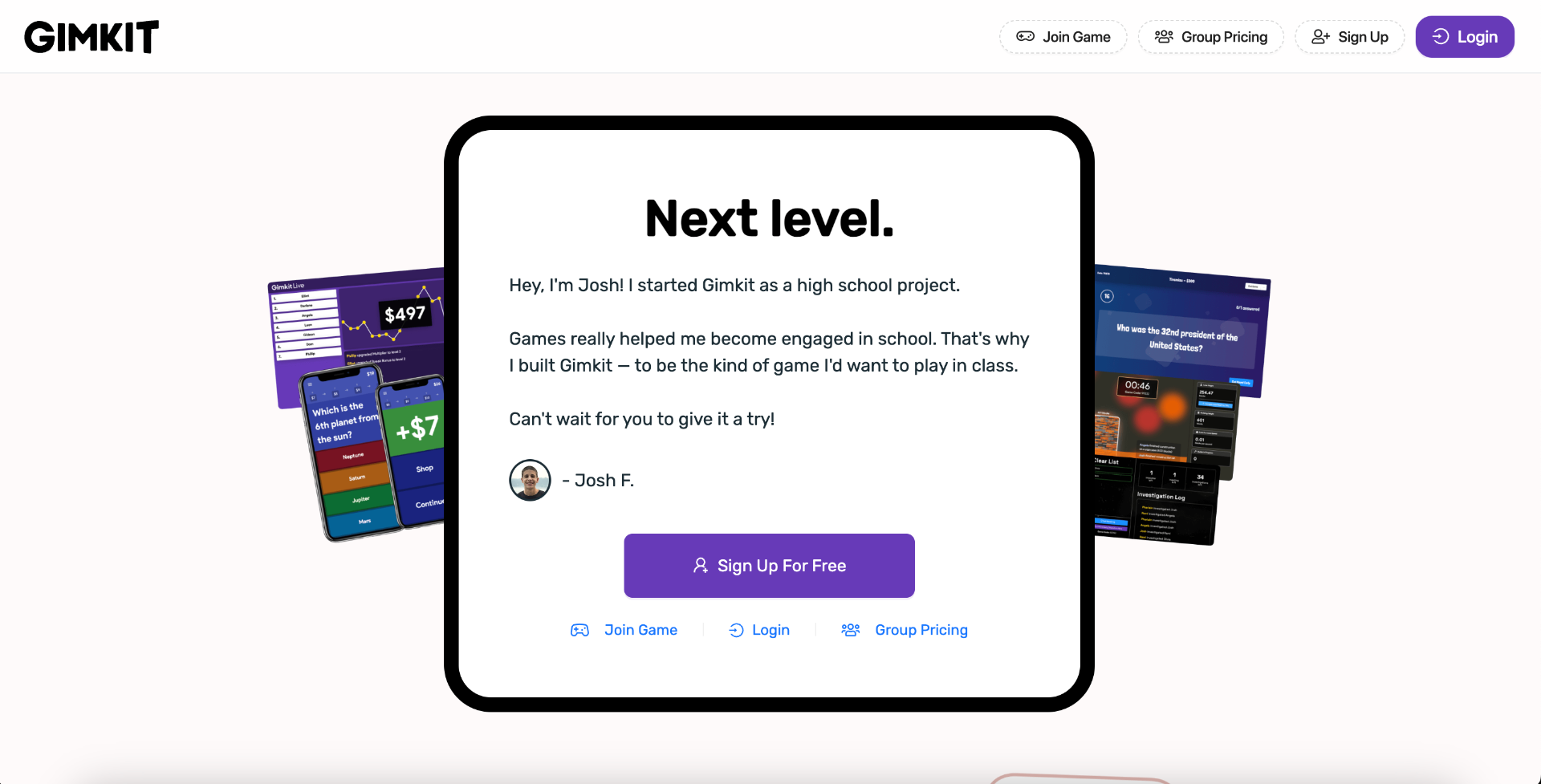
Best for: strategy-based classroom review games
Gimkit is a live learning game show platform built for the classroom. Students answer questions, earn in-game currency, and use strategy as part of the gameplay.
That strategy layer makes Gimkit different from a standard quiz game. Students are not only answering questions. They are also making game decisions as they play.
This can create a more involved experience for students who like competition and game mechanics.
Key features
- Live classroom games
- Question-based learning
- Strategy mechanics
- Student competition
- In-game rewards
- Game show feel
- Classroom review use cases
Why people use it
Gimkit is a strong option when teachers want a game that feels deeper than a basic quiz. It can be especially engaging for students who enjoy strategy, earning points, and making decisions during the game.
It works well for review sessions where students need repeated exposure to the same material.
Potential downside
The game mechanics are a big part of the experience. That can be great for engagement, but it may be more than you need if you just want a simple hosted trivia game or a clean presentation-style review.
6. AhaSlides
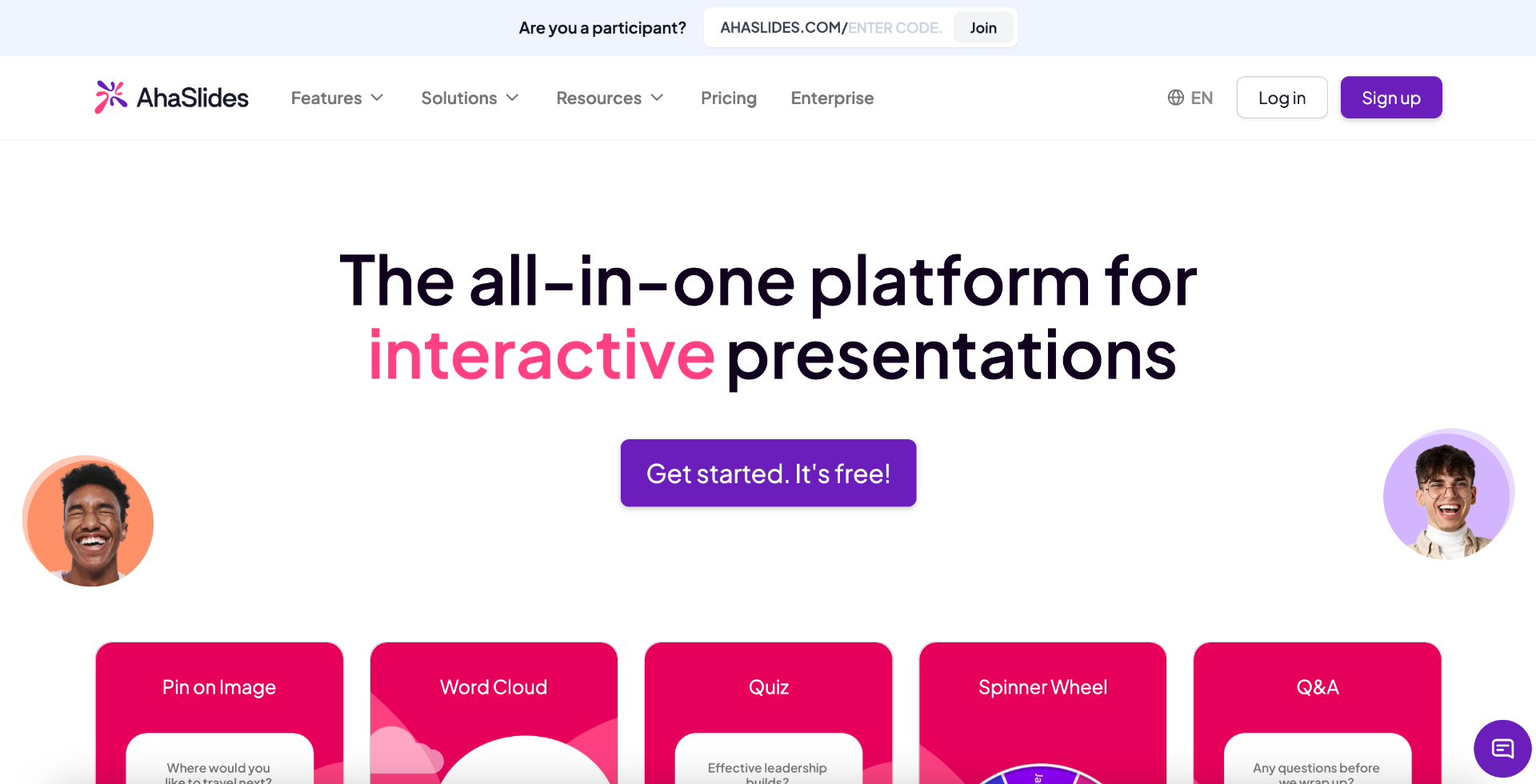
Best for: interactive presentations, polls, quizzes, and audience participation
AhaSlides is an interactive presentation platform that helps presenters make meetings, workshops, classrooms, and events more engaging.
It includes interactive slides such as polls, quizzes, word clouds, Q&A, surveys, and audience response activities.
AhaSlides is useful when you are presenting information and want the audience to participate along the way.
Key features
- Interactive presentations
- Live polls
- Quizzes
- Word clouds
- Q&A
- Surveys
- Audience participation
- Meeting and classroom use cases
Why people use it
AhaSlides is a good fit for presenters who want to avoid one-way communication. Instead of talking through a full slide deck with no interaction, you can add questions, polls, word clouds, and quizzes throughout the session.
It works well for trainings, workshops, classrooms, webinars, and meetings.
Potential downside
AhaSlides is more of an interactive presentation tool than a dedicated game platform. If your main goal is to host a full game experience, you may want a tool built specifically for trivia, Jeopardy-style review, or classroom games.
7. Mentimeter
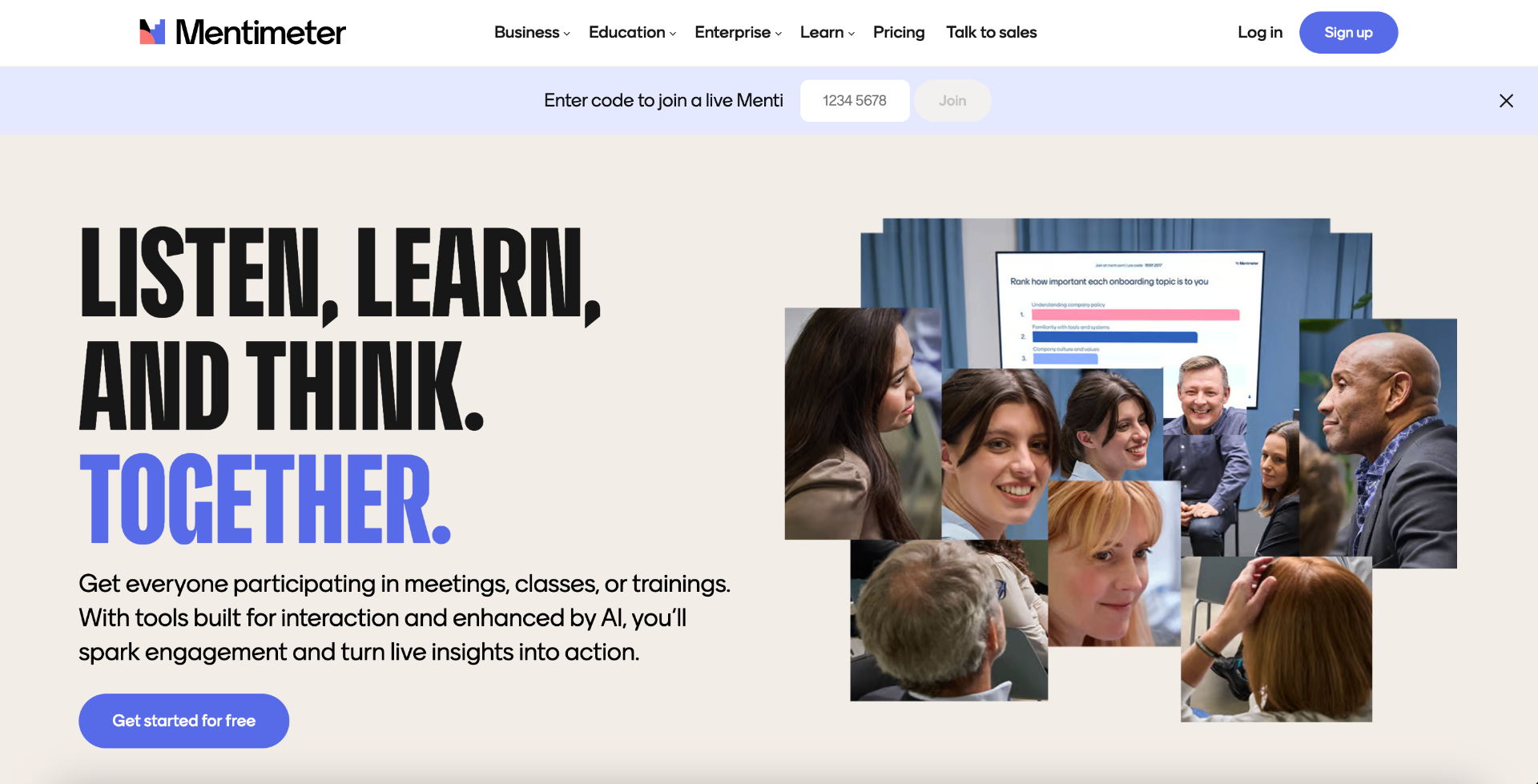
Best for: live polls, Q&A, word clouds, and meeting engagement
Mentimeter is another strong option for interactive presentations and audience participation. It is often used in meetings, classes, workshops, and events to collect live responses from a group.
Mentimeter is especially useful when you want to hear from everyone in the room, not just the loudest voices.
It can help with pulse checks, brainstorming, Q&A, team feedback, and quick knowledge checks.
Key features
- Live polls
- Quizzes
- Word clouds
- Q&A
- Interactive presentations
- Audience response tools
- Meeting and classroom engagement
- Real-time participation
Why people use it
Mentimeter is a good choice for meetings and presentations where participation matters. It helps facilitators collect input, show group responses, and make sessions feel more interactive.
For example, a manager could ask a team to vote on priorities. A teacher could use a word cloud to introduce a topic. A trainer could use a quiz to check understanding.
Potential downside
Mentimeter is excellent for participation, but it is not always the best choice if you want a full game-based experience with teams, categories, boards, and hosted competition.
8. ClassPoint
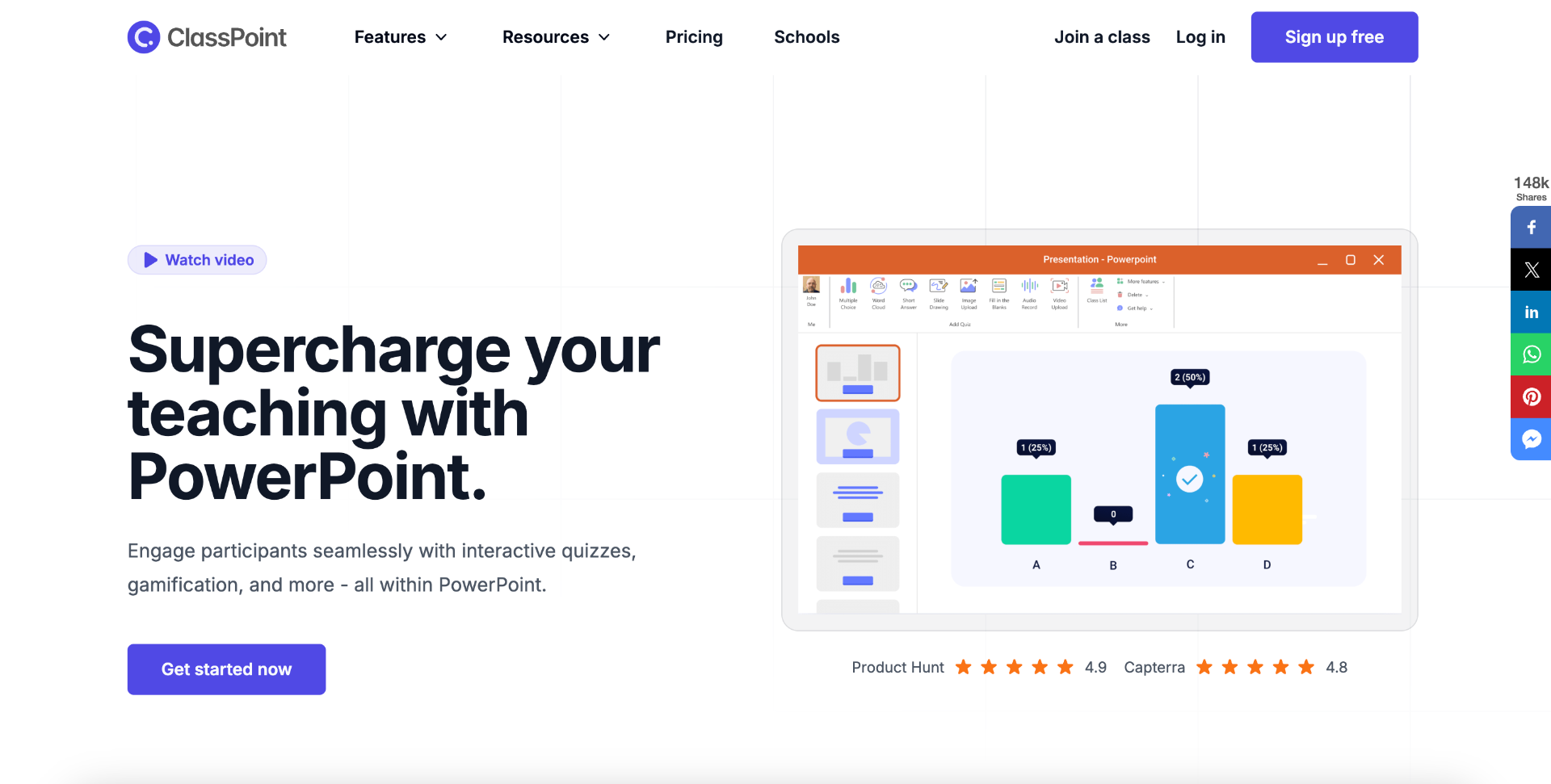
Best for: PowerPoint-based classroom engagement
ClassPoint is built for educators who already use Microsoft PowerPoint and want to make those lessons more interactive.
Instead of switching to a separate game or quiz platform, teachers can add interactive quizzes, gamification, and student engagement tools directly inside PowerPoint.
That makes it useful for teachers who already have slide decks and want to upgrade them without rebuilding everything from scratch.
Key features
- PowerPoint integration
- Interactive quizzes
- Gamification features
- Student engagement tools
- Classroom presentation tools
- Live teaching support
- Useful for slide-based lessons
Why people use it
ClassPoint is a strong fit for teachers who live in PowerPoint. If you already have lessons built as slides, ClassPoint can help make them more interactive.
It is especially useful for classrooms where the teacher wants to ask questions, collect answers, and keep students involved during direct instruction.
Potential downside
ClassPoint is most valuable if you use PowerPoint. If you do not build lessons in PowerPoint, another platform may be easier to use.
9. Nearpod
Best for: interactive lessons and classroom instruction
Nearpod is a classroom engagement platform that helps teachers create and deliver interactive lessons.
Teachers can build lessons with quizzes, polls, videos, collaborative activities, and formative assessments. Nearpod also offers ready-to-use lessons and AI-assisted lesson creation features.
Nearpod is a strong choice when the goal is not only to play a game, but to teach a full interactive lesson.
Key features
- Interactive lessons
- Quizzes
- Polls
- Videos
- Collaborative activities
- Formative assessment
- Ready-to-use lesson content
- AI-assisted lesson creation
- Student-paced and teacher-led learning options
Why people use it
Nearpod is useful when teachers want to structure a full lesson with interaction throughout. It can help turn a passive lesson into something students actively participate in.
It works well for classrooms that need instruction, checks for understanding, and activities in one flow.
Potential downside
Nearpod may be more than you need if you only want a simple trivia game, review board, or quick team activity. It is built more for lesson delivery than casual game hosting.
10. Quizlet
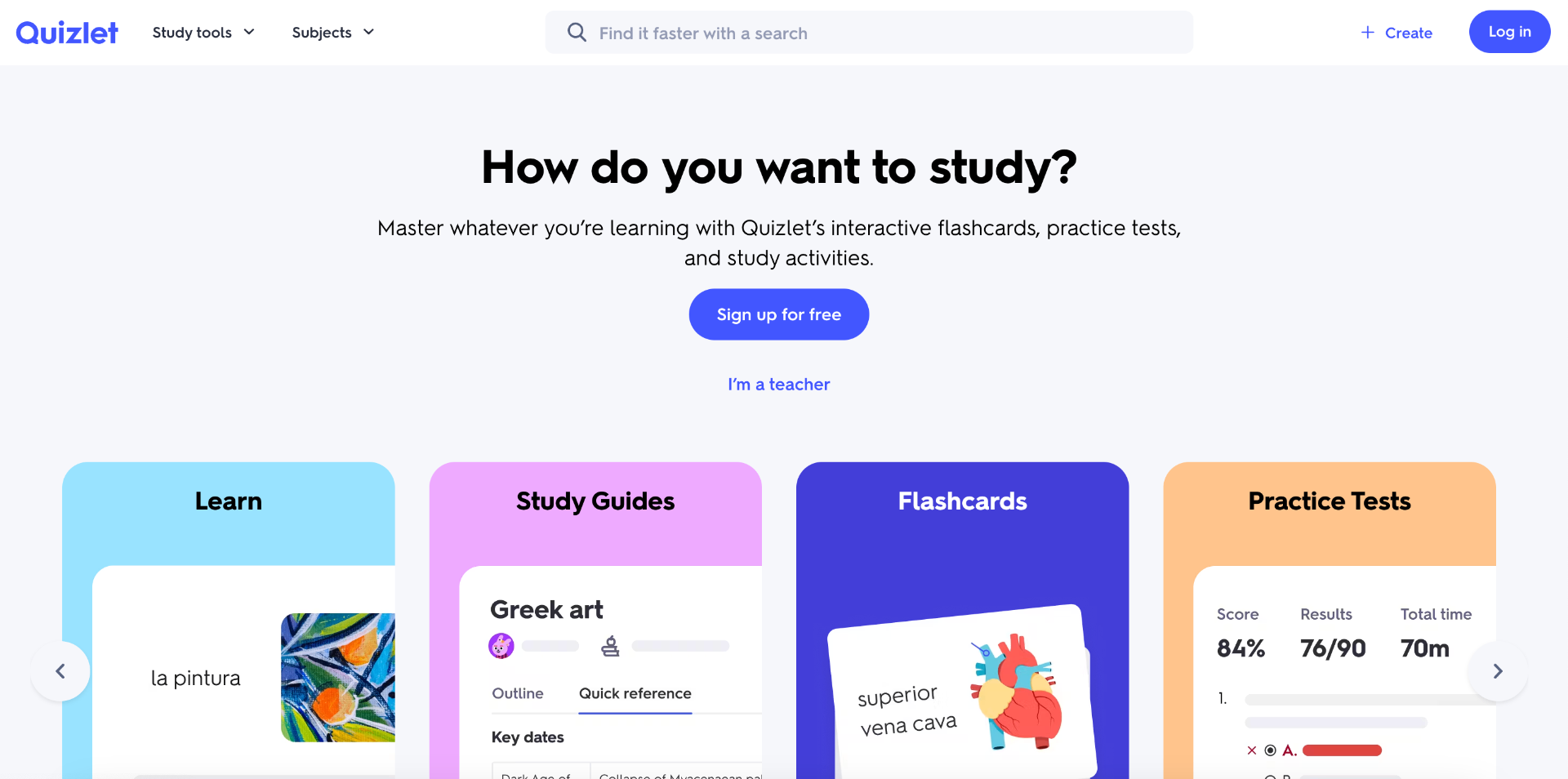
Best for: flashcards, study sets, practice tests, and individual review
Quizlet is one of the most popular study tools for students. It is best known for flashcards, study sets, practice tests, and review activities.
While Quizlet may not feel like a traditional live game platform, it is still a gamified learning tool because it helps students practice information in interactive ways.
It is especially useful for vocabulary, definitions, facts, key terms, dates, formulas, and test prep.
Key features
- Flashcards
- Study sets
- Practice tests
- Study activities
- Student review tools
- Individual practice
- Large library of existing study content
Why people use it
Quizlet is helpful when students need to study independently. It gives learners a way to review material repeatedly without relying only on notes or textbooks.
It is a strong choice for memorization-heavy subjects and test preparation.
Potential downside
Quizlet is more focused on individual study than live group engagement. If you want a classroom game, team trivia session, or hosted competition, you may want to use it alongside another gamification platform.
How to choose the right gamification platform
The best gamification platform depends on what you are trying to accomplish.
A classroom teacher reviewing for a test does not need the exact same tool as a sales manager training new hires.
A remote team hosting a Friday icebreaker does not need the same platform as a student studying vocabulary alone.
Before choosing a platform, ask yourself a few questions.
Are you trying to teach, review, train, or entertain?
Some platforms are built for instruction. Others are built for review. Others are built for meetings, trivia, or team-building.
- If your goal is to teach a full lesson, a tool like Nearpod or ClassPoint may be useful.
- If your goal is fast classroom practice, Wayground, Blooket, Gimkit, or Kahoot may work well.
- If your goal is Jeopardy-style review, live trivia, or team-based games, Kleveroo may be a stronger fit.
- If your goal is polls, Q&A, or presentation interaction, AhaSlides or Mentimeter may be better.
Is the experience live or self-paced?
Live games are great when you want energy, competition, and group participation.
Self-paced activities are better when people need to complete work on their own time.
- For live group play, consider Kleveroo, Kahoot, Gimkit, Blooket, AhaSlides, or Mentimeter.
- For self-paced practice, consider Wayground, Nearpod, or Quizlet.
Is your audience students, employees, or a general group?
Some platforms are designed mainly for schools. Others work better for business meetings, training, or team engagement.
- For students, tools like Kahoot, Wayground, Blooket, Gimkit, Nearpod, ClassPoint, and Quizlet are common options.
- For employee training or team meetings, tools like Kleveroo, AhaSlides, Mentimeter, and Kahoot may be more natural.
- For groups that need both classroom and workplace use cases, Kleveroo can be a flexible option because it supports both learning games and team trivia.
Do you need content already built?
Another important question is whether you want to create everything yourself or use ready-made content.
Some platforms are strongest when you bring your own questions or lesson material.
Others offer libraries, templates, or ready-to-play games.
If you are busy, look for a platform that helps you start quickly. A great gamification platform should reduce the work, not create more of it.
Best gamification platform by use case
Here is a quick way to think about the list.
- Best for Jeopardy-style games: Kleveroo
- Best for live trivia: Kleveroo or Kahoot
- Best for classroom review: Kahoot, Wayground, Blooket, Gimkit, or Kleveroo
- Best for younger students: Blooket
- Best for strategy-based classroom games: Gimkit
- Best for interactive presentations: AhaSlides or Mentimeter
- Best for PowerPoint lessons: ClassPoint
- Best for full interactive lessons: Nearpod
- Best for flashcards and independent study: Quizlet
- Best for team training and onboarding: Kleveroo, AhaSlides, Mentimeter, or Kahoot
- Best for remote team engagement: Kleveroo, AhaSlides, or Mentimeter
Final thoughts
Gamification works best when it helps people participate.
The goal is not just to add points or a leaderboard to everything. The goal is to make learning, training, and group activities feel more active.
A good gamification platform should help people pay attention, remember more, and enjoy the process.
- If you are a teacher, that might mean turning a review day into a game.
- If you are a manager, that might mean making onboarding or product training easier to remember.
- If you are a team leader, that might mean replacing awkward icebreakers with something people actually want to play.
There are plenty of great tools available in 2026. The best choice depends on your audience, your format, and the experience you want to create.
If you want Jeopardy-style review games, live trivia, classroom games, or team training games, Kleveroo is a great place to start — and if you are still comparing options, our guide to the best Jeopardy game makers puts ten of them side by side.
You can build a board for free or generate one with AI, gather your group, and turn your next lesson, meeting, or training session into something people actually engage with.